





Going digital starts with getting the foundations right: who is in the organisation, who manages what, and which tools everyone uses.
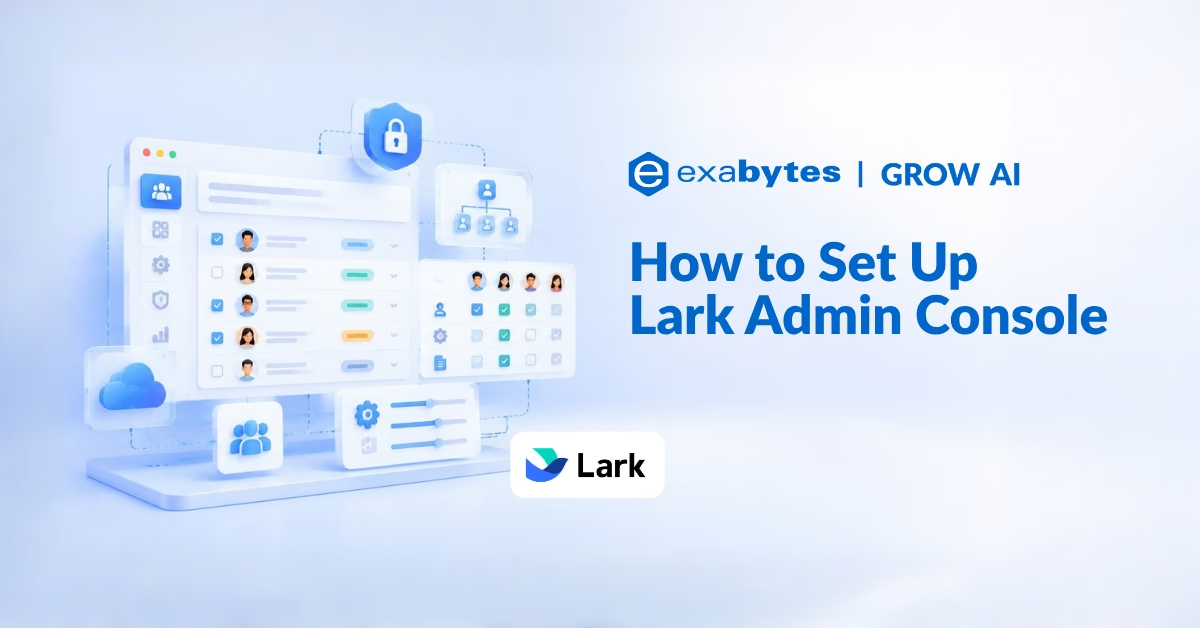
This guide walks Lark administrators through that first setup in the Admin Console, using a traditional newspaper as the running example.
The same steps apply to any organisation moving its daily work onto Lark.
Getting Into the Admin Console
After installing the Lark app, click your profile photo in the app, then click Admin Console.

Setting Up Your Organisation
Edit Your Organisation Information
To help employees and external partners recognise your organisation, click Settings > Organization Info. Specify details such as your logo and name, or click Edit to change existing information.
Create Departments
Many newspapers organise departments by news line, while newer set-ups add comprehensive departments similar to an omnimedia centre. Either structure can be built in Lark. Go to Organization > Member and Department > Departments and click Add.

To create many departments at once, select Batch Import/Export, download the import template, fill it in to match your existing business lines, and upload it.
Add Employees
Once departments exist, go to Members and click Add members. You can also use Batch Import/Export to download a template, fill it in locally, and upload it to add employees in bulk.

If you don’t have complete employee information, click Share Invite Link to share your organisation’s team code, QR code, or link so employees can add themselves.
Assigning Administrators
Add Primary Administrators
To balance responsibility across the organisation, you can add the heads of each news line, or the head of the omnimedia centre, as primary administrators. Click Settings > Administrator Permissions > Add Primary Administrator, enter each person’s name, email address, or phone number, and click Confirm.

Note: An organisation can have a maximum of 100 primary administrators. Primary administrators have all management permissions except permission to dissolve the organisation.
Add Department Administrators
To subdivide responsibilities further, add administrators for individual departments. On the same Administrator Permissions page, click Add Administrator. You can also set different permissions groups so each administrator only manages the areas they are meant to.

Installing and Configuring Apps
In the Admin Console, click Workplace > App Management, choose the apps you need, and click Use. After installing an app, activate it and configure which employees can use it. The configuration differs for each app.
Attendance
In the attendance admin area, click Attendance Settings > Shift Settings and follow the prompts to enter your shift details.

You can adjust and add flextime information at any time, which suits newsrooms where breaking news changes working arrangements. On the Group Settings page, you can also turn on offsite attendance so flexible work locations no longer complicate attendance records.
Lingo
In the Lingo admin area, click Manage Entries > Batch Import and download the import template to bring in your organisation’s commonly used dictionaries in one go.

Lingo gathers your organisation’s experience and knowledge in one place. Employees can distil proprietary terms, abbreviations, specialised terminology, and internal jargon into entries and request that they be approved and added, which reduces communication costs.
Approval
In the approval admin area, click Approval Admin > Create to set up the approval processes your organisation needs. The template library offers ready-made starting points such as leave, reimbursement, purchase, and overtime requests.

Creating an All-Staff Calendar
An all-staff calendar puts talks, team meetings, and other events that everyone needs to know about in one place, cutting down on individual event notifications. To create one:
- In the Admin Console, go to Calendar > All-Staff Calendar and click Add all-staff calendar.
- Select Create an all-staff calendar, fill in a name and description, and add administrators and editors.
- Click Confirm.

Note: Creating the calendar in the Admin Console does not add any events to it. Switch to the Lark app, click Calendar > Create Event, set the event time, and make sure Calendar to add event to is your all-staff calendar. Click Save and the event becomes visible to all staff.
Configuring Security Management
In Settings > Security > Security Strategy, set external document sharing, default document access permissions, and whether watermarks are on or off. Together these help reduce the sources of document leaks.

Practical Use Cases for SMEs and Startups
- Growing teams: Import departments and staff in bulk from a template instead of adding people one at a time.
- Shared responsibility: Give each department head their own administrator role with a limited permissions group.
- Shift-based or flexible work: Set flextime shifts and offsite attendance for staff who do not work fixed hours.
- Company-wide communication: Publish town halls and team meetings on an all-staff calendar so nobody relies on separate invitations.
- Protecting company documents: Set default document access and external sharing rules from day one.
Frequently Asked Questions (FAQ)
How do I open the Lark Admin Console?
After installing the Lark app, click your profile photo in the app, then click Admin Console.
How many primary administrators can a Lark organisation have?
Up to 100. Primary administrators have all management permissions except the permission to dissolve the organisation.
What is the fastest way to add many employees to Lark at once?
Use Batch Import/Export under Member and Department. Download the template, fill it in, and upload it. If you lack complete employee details, share the invite link, team code, or QR code so employees can join themselves.
Can I give a department head limited admin rights instead of full control?
Yes. Add them as an administrator rather than a primary administrator, and assign a permissions group that covers only the areas they should manage.
Why can’t employees see events I created in the all-staff calendar setup?
Creating the calendar in the Admin Console does not add events. Events must be created in the Lark app under Calendar, with the all-staff calendar selected as the calendar to add the event to.
What can I control in Security Strategy?
You can set external document sharing, default document access permissions, and whether watermarks are turned on, all of which help limit document leaks.
A Solid Foundation for Going Digital
With departments, administrators, apps, a shared calendar, and security rules in place, your organisation has the structure it needs to move everyday work onto Lark with confidence.
Ready to Power Your Business with Lark?
Lark Admin Console is just one part of an all-in-one platform that brings messaging, meetings, documents, approvals, and automations together for your entire team.
As the Platinum Partner for Lark in Malaysia, Exabytes offers tailored Lark plans, hands-on onboarding, and dedicated local support to help your team set up Lark properly from day one.


