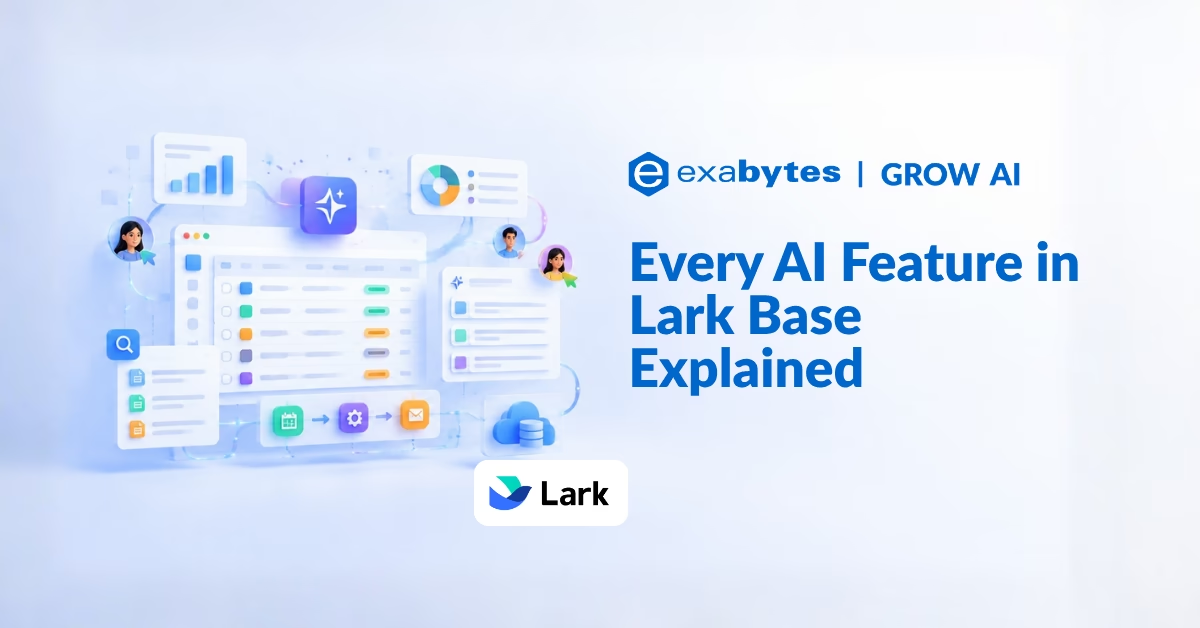
AI runs through Lark Base from top to bottom, powering its tables, dashboards, automations, and workflows.
It handles data entry, content generation, and analysis for you, so complex tasks become simpler and your team spends less time on manual work.
This overview walks through every AI feature in Base, grouped by where you will use it.
AI for Data Entry
AI Import
Copy and paste text or images to add records to a base. The content is automatically mapped to existing and new fields, which is ideal for batch processing and saves the time normally spent typing data in by hand.

AI Voice Quickfill
On the Lark mobile app, you can speak to fill out a form. The AI interprets your spoken input and populates the form fields in real time.

AI in Tables
When you edit fields or records in a table, these AI capabilities can help.
AI Field Shortcuts
Use AI to translate, categorise, summarise, extract, or generate new content from information already in your table. The field shortcut center lists AI options such as Categorization, Smart Extraction, Summary, Smart Tags, Translate, and Custom AI field.

AI-Generated Options
Generate relevant options for single option or multiple option fields, instead of typing each one yourself.

AI-Generated Formulas
Describe the result you want and let AI write the formula in a formula field. This removes much of the difficulty of writing formulas and speeds up data processing.

Smart Toolbar
Use the smart toolbar on text fields to fill, polish, translate, summarise, or perform other actions, so routine text tasks take a fraction of the time.

Smart Coloring
Quickly apply colours to cells, rows, or columns based on conditions you set, with Apply Smart Color options in the conditional coloring settings.

AI in Automations and Workflows
AI-Generated Text
Polish, summarise, and generate text from field content in your base, or from data produced by earlier steps in an automation or workflow. The generated text can also be used as input for later steps.

AI Agent Node
Based on your requirements, the AI Agent node can plan and autonomously call tools to complete tasks, such as sending messages, adding records, drawing lots, or generating random numbers.

AI in Dashboards
Smart Analysis and Dashboard Summary
Get an intelligent analysis and summary of your dashboard charts to understand and interpret the data quickly. You can also send smart dashboard summaries using automations.

Practical Use Cases for SMEs and Startups
- Faster data entry: Paste in a batch of customer enquiries or receipts and let AI Import map them to fields.
- Field data on the go: Staff on the move can dictate forms by voice on the mobile app.
- Cleaner tables: Categorise, tag, and summarise long text entries automatically.
- Automated outreach drafts: Generate a first-draft message when a new record is added, ready for a human to review.
- Management reporting: Turn dashboard charts into short written summaries for weekly updates.
Frequently Asked Questions (FAQ)
What AI features does Lark Base offer?
Lark Base includes AI Import, AI voice quickfill, AI field shortcuts, AI-generated options, AI-generated formulas, the smart toolbar, smart coloring, AI-generated text in automations, the AI Agent node, and smart analysis for dashboards.
Can Lark Base fill in records from pasted text or images?
Yes. AI Import maps pasted text or images to existing and new fields automatically, which suits batch data entry.
Can I fill in a Base form by speaking?
Yes, on the Lark mobile app. AI voice quickfill interprets what you say and fills the form fields in real time.
Do I need to know formulas to use formula fields?
Not necessarily. With AI-generated formulas, you describe the calculation you want and the AI produces the formula for you.
What can the AI Agent node do in a workflow?
It plans and calls tools on its own based on your requirements, for example sending messages, adding records, drawing lots, or generating random numbers.
Can Lark Base summarise a dashboard for me?
Yes. Smart analysis summarises dashboard charts, and you can also send these summaries through automations.
Work Smarter With AI Built Into Base
From the first row of data to the final dashboard, Lark Base uses AI to remove repetitive work at each stage, so your team can spend its time on decisions instead of data handling.
Ready to Power Your Business with Lark?
Lark Base is just one part of an all-in-one platform that brings messaging, meetings, documents, approvals, and automations together for your entire team.
As the Platinum Partner for Lark in Malaysia, Exabytes offers tailored Lark plans, hands-on onboarding, and dedicated local support to help your team put AI to work in everyday data tasks.