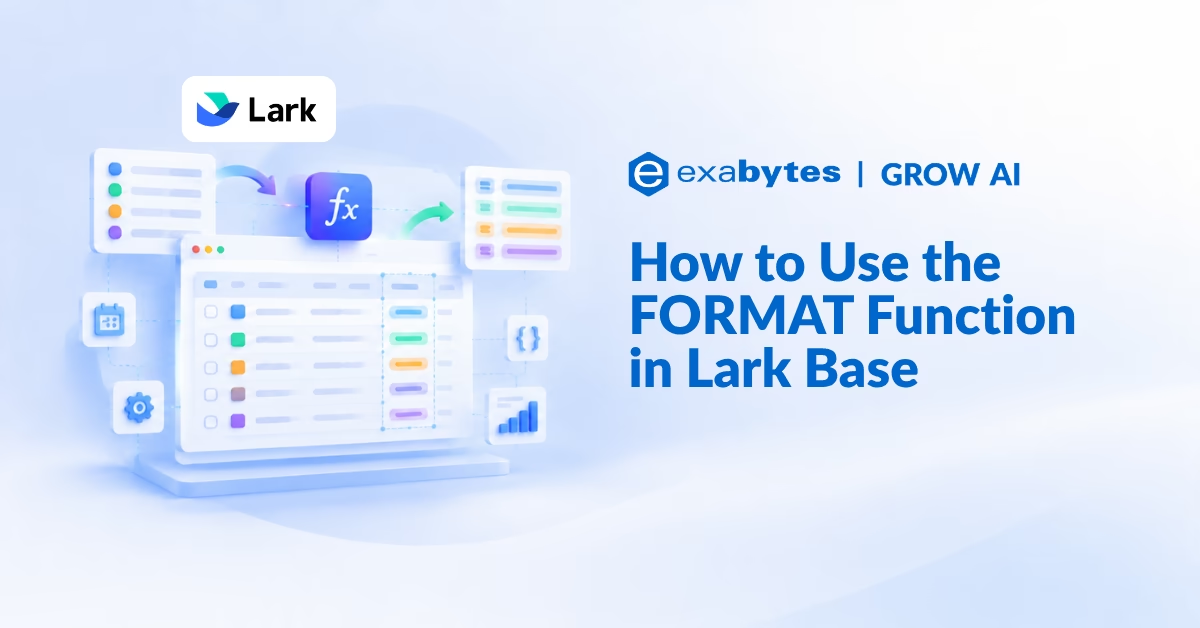
The FORMAT function in Lark Base is a text templating function.
Instead of joining pieces of text together with long chains of & symbols, you write one sentence with numbered placeholders and list the values that fill them.
The result is a formula that is easier to read, easier to maintain, and far easier to change later.
Why Use FORMAT Instead of & Concatenation
- Clearer structure: A single template is much easier to read than a string spliced together with &, especially for longer text such as self-introductions, notifications, and descriptions.
- Easy to edit: To change the wording, you only edit the template rather than rewriting the whole formula.
- Combines with other functions: Use FORMAT with functions such as IF and TEXT to produce natural-sounding sentences with more complex logic.
How FORMAT Works
FORMAT has two parts:
- Template string: A piece of text containing numbered placeholders such as {1} and {2}. It defines the structure of the final sentence.
- Values: The fields or expressions listed after the template. Each one replaces the placeholder with the matching number, so the first value fills {1}, the second fills {2}, and so on.
Tip: You can build a template for any scenario and link it to the values you need, so the same approach works for emails, notifications, summaries, or reports.
Example: Automatic Applicant Introductions for HR
Imagine an HR manager who reviews hundreds of resumes and finds that many applicants write long, messy self-introductions. To speed up screening, he builds a form in Lark Base. Once an applicant fills in their basic details, FORMAT turns them into a short, standardised introduction, and an automation sends it to HR.
Step 1: Set Up the Table
Create a table with these fields:
- Name: The applicant’s full name.
- Gender: The applicant’s gender.
- Age: The applicant’s current age.
- Hobby: Interests that show the applicant’s personality.
- Skills: Key technical and soft skills.
- Occupation: The current or most recent job title.
- Expected Salary: The salary the applicant expects.
- Phone Number: A contact number for follow-up and interview scheduling.
- Format output: A formula field that generates the final text by filling the template’s placeholders with the matching values.
- Attachment: The uploaded resume or supporting documents.

Step 2: Collect Applications With a Form
Applicants provide their details through a form generated from the table.

Here is the same form filled in, ready to submit:

Step 3: Let the Automation Notify HR
When the form is submitted, a new record is added to the table.

An automation detects the new record, fills the template with the applicant’s information, and sends the result to HR as a Lark message with the applicant’s phone number, the resume, and a button to view the record.

Step 4: Build the FORMAT Formula
The formula in the Format output field looks like this:
FORMAT(
"{1} is a {2}, {3} is {4} years old. {1} hobby is {5} and {8} strong point is {6}. {1} is currently applying for the {7} position and {8} expected salary is RM{9}",
Name,
Gender,
IF(Gender = "Male", "he", "she"),
Age,
Hobby,
skills,
Occupation,
IF(Gender = "Male", "his", "her"),
Expected Salary
)
The template string comes first, followed by the values in order. Each value replaces the placeholder with the same number:
- {1} is the Name field.
- {2} is the Gender field.
- {3} is an IF that returns “he” or “she” based on Gender.
- {4} is the Age field.
- {5} is the Hobby field.
- {6} is the Skills field.
- {7} is the Occupation field.
- {8} is an IF that returns “his” or “her” based on Gender.
- {9} is the Expected Salary field.

The output for an applicant named IP Man reads:
IP Man is a Male, he is 35 years old. IP Man hobby is reading business and leadership books while engaging in strategic thinking games to enhance decision-making, problem-solving, and long-term planning skills. and his strong point is strong management skills in team leadership and decision-making, along with solid business and strategic capabilities such as planning and process optimization. Demonstrates effective communication through stakeholder management and negotiation and is proficient in technical and digital tools including data analysis and collaborative platforms. IP Man is currently applying for the Manager position and his expected salary is RM8000.
Note: Notice that {1} appears several times in the template but is only listed once in the values. A placeholder can be reused as often as the sentence needs.
Practical Use Cases for SMEs and Startups
- Recruitment screening: Turn application forms into consistent, readable summaries for HR.
- Customer notifications: Build order or booking confirmations that pull in names, dates, and amounts.
- Task assignments: Generate clear task descriptions from fields such as owner, deadline, and priority.
- Report lines: Produce one-sentence status summaries for each project or account.
Frequently Asked Questions (FAQ)
What does the FORMAT function do in Lark Base?
It generates text from a template. Placeholders such as {1} and {2} in the template are replaced by the values you list after it.
Why use FORMAT instead of joining text with &?
FORMAT keeps the sentence in one readable template, so it is clearer than a long chain of & joins and much easier to edit when the wording changes.
Can I use IF inside FORMAT?
Yes. In the example, IF returns “he” or “she” and “his” or “her” depending on the Gender field, and those results fill their own placeholders.
Can I reuse the same placeholder more than once?
Yes. The applicant’s name fills {1} in several places in the example sentence, and it is only listed once in the values.
Can I use FORMAT with the TEXT function?
Yes. FORMAT can be combined with functions such as IF and TEXT to create natural language output with more complex logic.
How do I send the generated text to someone automatically?
Use an automation that triggers when a new record is added and include the formula field’s output in the Lark message it sends.
Cleaner Formulas, Clearer Messages
With FORMAT, the sentence lives in one template you can read at a glance and change in seconds. It turns raw form entries into messages people actually want to read.
Ready to Power Your Business with Lark?
Lark Base is just one part of an all-in-one platform that brings messaging, meetings, documents, approvals, and automations together for your entire team.
As the Platinum Partner for Lark in Malaysia, Exabytes offers tailored Lark plans, hands-on onboarding, and dedicated local support to help your team turn raw data into clear, ready-to-send messages.