










Compute optimised VPS with NVMe storage
As low as
Compute optimised VPS with NVMe storage
As low as
Compute optimised VPS with NVMe storage
As low as
Compute optimised VPS with NVMe storage
As low as
Compute optimised VPS with NVMe storage
As low as
Compute optimised VPS with NVMe storage
As low as
Compute optimised VPS with NVMe storage
As low as
Compute optimised VPS with NVMe storage
As low as
Compute optimised VPS with NVMe storage
As low as
Compute optimised VPS with NVMe storage
As low as
Compute optimised VPS with NVMe storage
As low as
Compute optimised VPS with NVMe storage
As low as
Compute optimised VPS with NVMe storage
As low as
Compute optimised VPS with NVMe storage
As low as
Compute optimised VPS with NVMe storage
As low as
Compute optimised VPS with NVMe storage
As low as
Compute optimised VPS with NVMe storage
As low as
Compute optimised VPS with NVMe storage
As low as
Compute optimised VPS with NVMe storage
As low as
Compute optimised VPS with NVMe storage
As low as
Experience fast and powerful NVMe in your application
High-Performance processor for fast and responsive services
Point-in-time copies of your Virtual Private Server (VPS) that let you quickly save its state (disk & memory) and easily revert if changes cause issues
Backups and snapshots to keep your data safe, and quickly restore your VPS easily
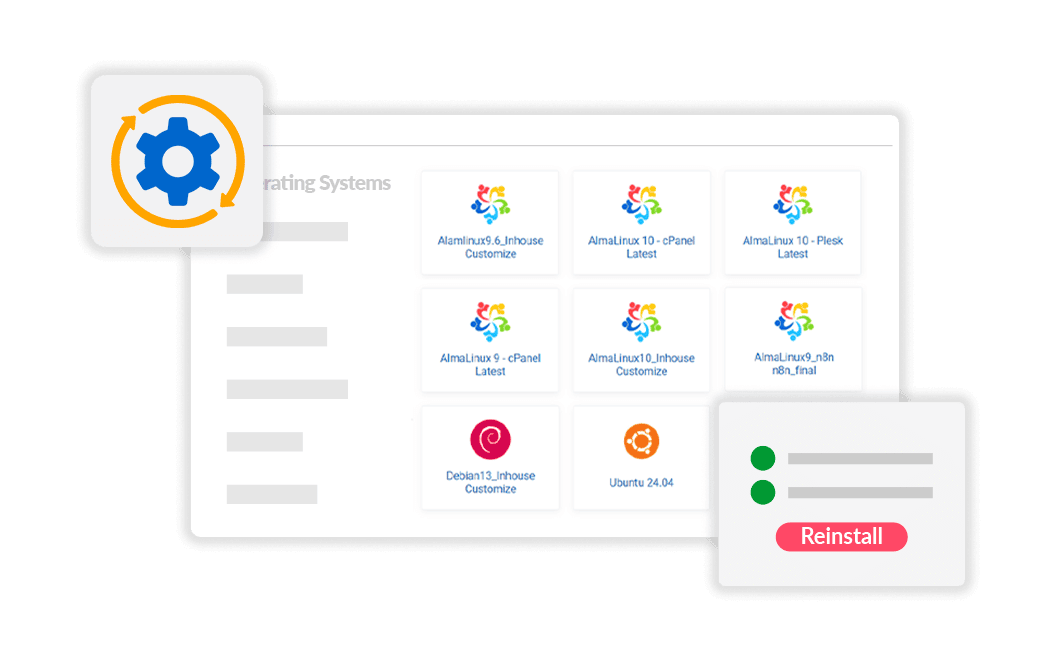
Self-service function that wipes your virtual server and reinstalls a fresh operating system (OS) from a template
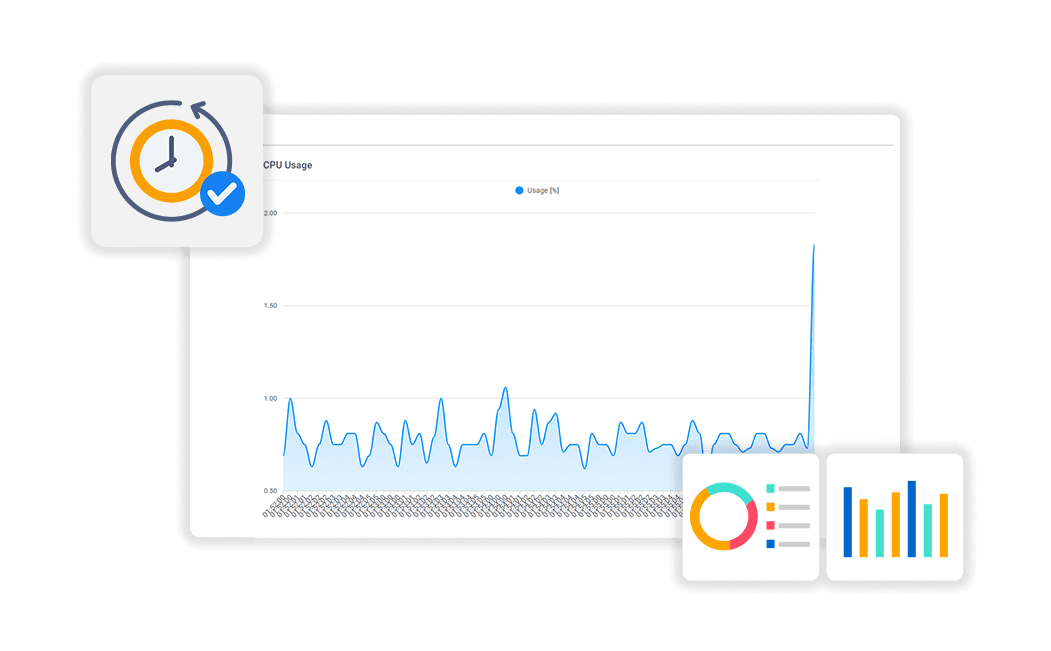
Performance and status graphs for virtual machines that display real-time and historical data for key metrics
Allowing global reach, 99.98% availability and fantastic QOS
Enjoy Dedicated Resources with KVM in VPS Hosting
Reliable VPS experienced technical support
Get started Today if you need an NVMe SSD VPS hosting in Asia with Full Root Access, High Memory and a Dedicated IP!
SSDs have lower access time, less latency and IOPs up to 100x more than normal drives. Now with NVMe IOPs can go up to 1 million

No waiting. Just order and make payment. Our automated deployment system will ensure you have your NVMe Linux VPS server up and ready within minutes.*

All systems come with AMD EPYC Processor for fast and responsive services.

You can use the SolusVM control panel, web based KVM virtual console or SSH to remotely manage your VPS Malaysia server.

You’re in charge with root (administrative) access to install PHP, modules, server level proxy, and much more.

Weekly backup provided for free to all VPS plans, restore at anytime in your client area. Daily backup available as an add-on.

Point-in-time copies of your Virtual Private Server (VPS) that let you quickly save its state (disk & memory) and easily revert if changes cause issues.
From your client area dashboard, you can easily control your VPS by changing its power states, including starting, stopping, or restarting the server.
Self-service function that wipes your virtual server and reinstalls a fresh operating system (OS) from a template.
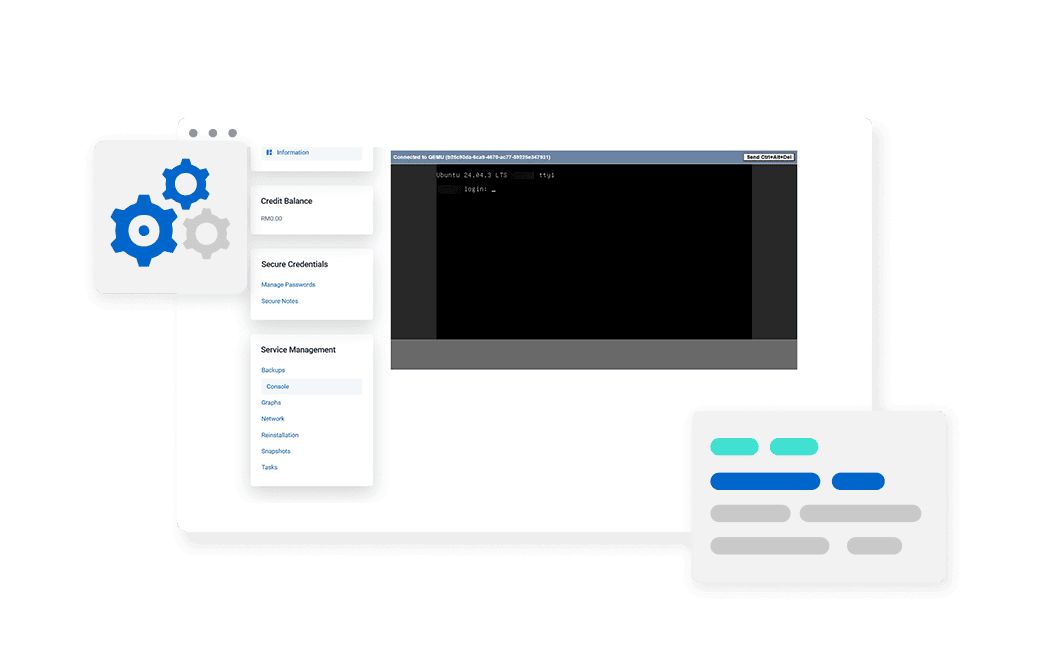
The Linux NVMe VPS can be accessed via an HTML-based VNC console, enabling browser-level login for server configuration and troubleshooting.
This self-service recovery feature allows you to repair downed virtual machines on your VPS by booting them into a minimal Debian Linux installation, enabling system diagnostics and issue resolution.
Performance and status graphs for virtual machines that display real-time and historical data for key metrics.
Server management tool to install and manage all systems and applications for hosting on a single VPS server. Grow and manage up to thousands of virtual hosts on a single machine, and customize your service offerings.
Install all your security needs with pre-defined security pre-sets with just a simple click so that you don’t have to worry about the complicated configurations with Plesk.
Supported programming languages, including multiple versions of PHP development language, Perl, CGI-BIN, Java, Tomcat, Ruby, Python, and more.
Supports all Major Databases like MySQL, MariaDB, PostgresSQL, MSSQL & , supports backup, restore, import and export functions.
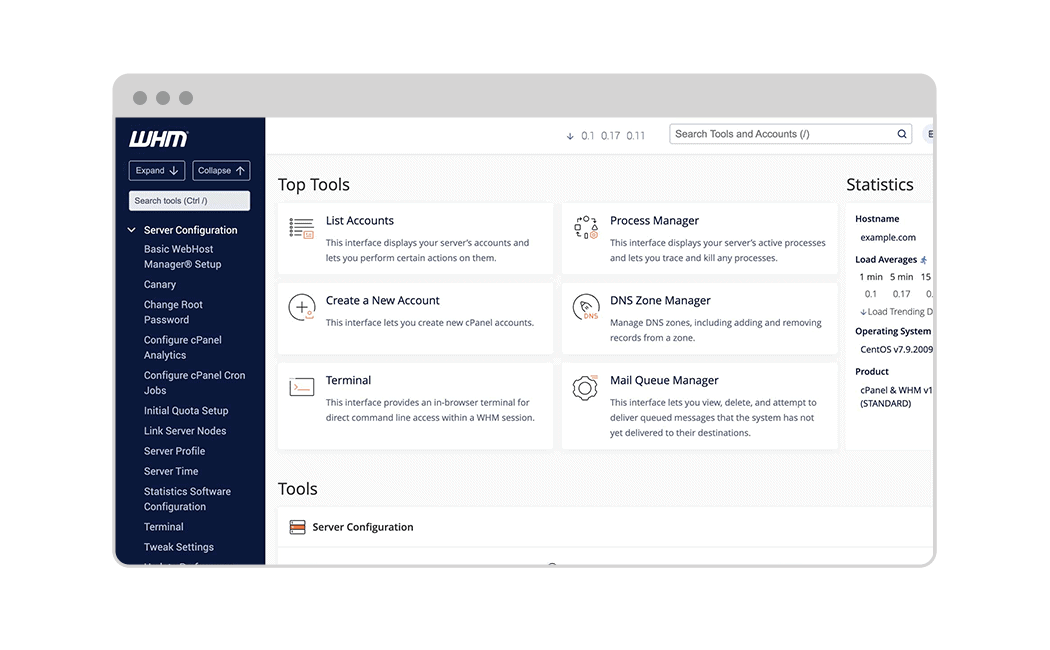
Create, delete and suspend accounts for you cPanel users.
Add domains to the server, modify DNS Zone records, configure nameservers and many more.
Perform system and control panel maintenance, deploy SSL certificates to sites across your server network
View how resources are being utilized and get actionable insights on potential issues happening on your network.
Run containers from ready-made images with access to MongoDB, Redis, Memcached, and more
Easily deploy your website by either pushing it to a local Git repository or by pulling it from a remote one.
Manage and secure your WordPress sites with tools for updates, security, plugins, and themes.
This extension allows you to protect DNS data with the DNS security extensions.
Manage, deploy and configue all your Node.js apps and more
Easily deploy Ruby applications on your domains. Run your scripts directly in the browser!
Our experts will get in touch with you soon.
Easy, efficient and secure backup for any workload. File and disk-image backup available.

Our technical expert will manage technical side of your server while you focus on what matters the most to you.

Proactive defence, advanced web-applicatoin firewall, malware scanner and more, for your complete VPS protection.

A Virtual Private Server/Virtual Machine or VPS hosting is virtual server provided by web hosting companies. It runs with own operating system by splitting a server’s resources. Although hosted in shared hosting environment, it enables users to have better control and access compared to shared hosting. VPS Hosting’s performance will not affected by other users on the same server.
Dedicated Server Hosting gives you all the resources of an entire server. While for VPS, it shares the resources from a server but remain isolated with virtual partitioning. In addition, users are granted own section of a partitioned dedicated server with guaranteed specs such as storage, bandwidth and memory. For shared hosting, server resources are shared with other websites which can affect your hosting experience when one of the websites experience traffic surge.
Yes. However, you need to set up and manage the control panel. Linux VPS doesn’t come with website Control Panel such as Webmin, cPanel, Kloxo, and so on. If you don’t know how to setup, you can get our Pro Management Plan add-on for RM150 per month, we will manage your VPS and setup on your behalf.
Yes. You will have the root access and total control of your own VPS server.
Yes. You can reload your VPS template at anytime directly from the VPS control panel. If you need assistance, please contact our technical support team.
We offer cPanel and Plesk as optional addons.
We use NVMe Solid-State Drive (SSD) for all our NVMe VPS Hosting Plans.
Yes. Solus VM Panel provides you with a built-in KVM console to access your VPS from a website browser. You can also reboot, shutdown, boot your VPS server from the client area.
Yes. You may upgrade your VPS anytime should the need arise.
Each VPS comes with 2 weekly backup points. Weekly automated backups run automatically, or you can create a manual backup at anytime, overwriting the previous one. Restore from backup whenever you need to.
Your complete AI, Business App, Cloud, Digital and Ecommerce solutions provider
Known and recognised as Southeast Asia’s leading AI, Business App, Cloud, Digital and Ecommerce solutions provider, powering over 160,000 customers globally.
We are your one-stop point for all that your business needs to build an online presence and grow your business to greater heights online.
We are equipped with the latest digital solutions at all times, that is best-suited for your business performance.
We are backed by excellent client confidence and satisfaction, and the products and services we offer carry credibility.
You’re all caught up! We’ll notify you when we have new announcements for you.